

What a hub can do
Here’s what a hub offers you and your members. Everything on this page is in PubHubs today, unless it says it’s still in development.
Your hub
Your hub is a place of your own, apart from big platforms, where your house rules apply and your own people look after it.
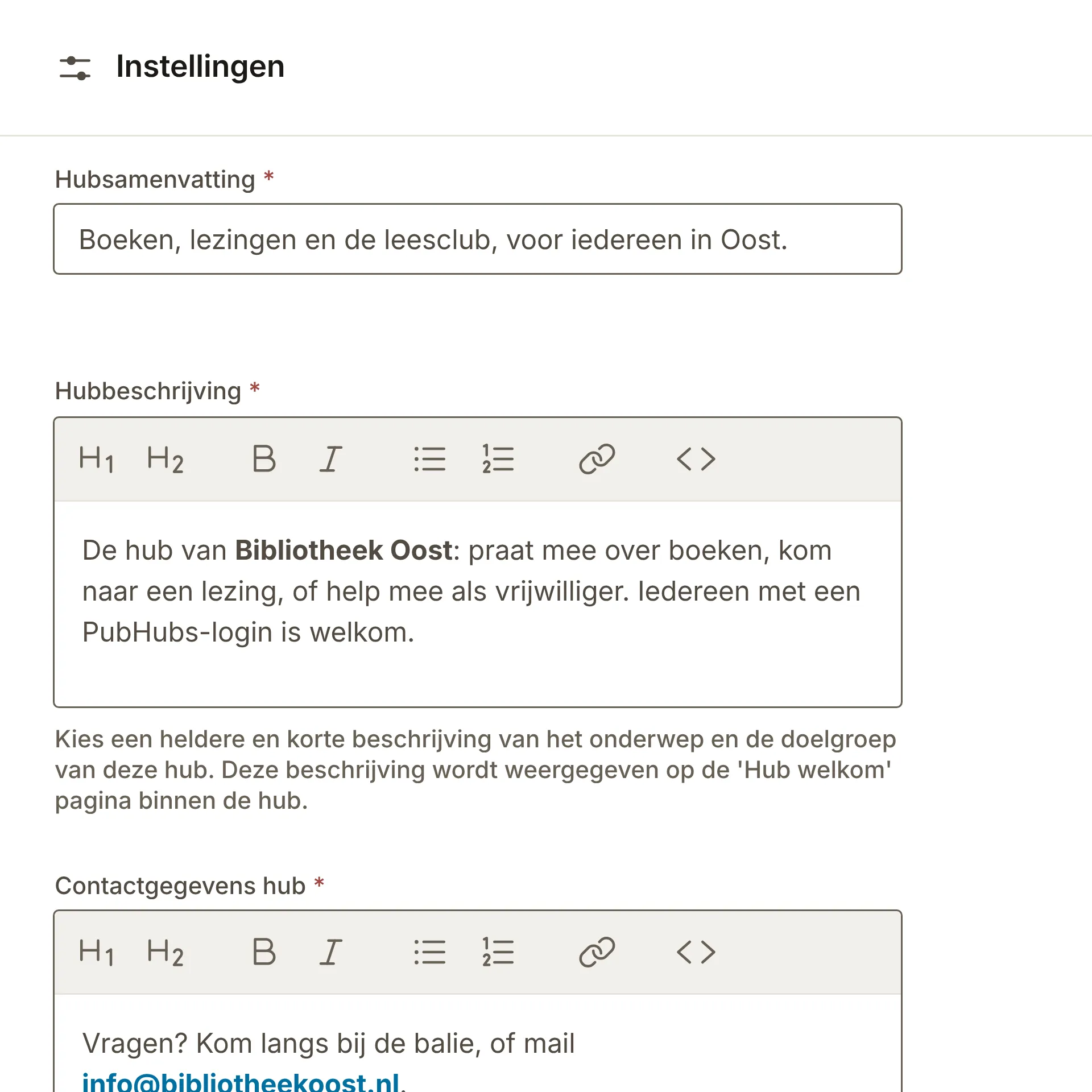
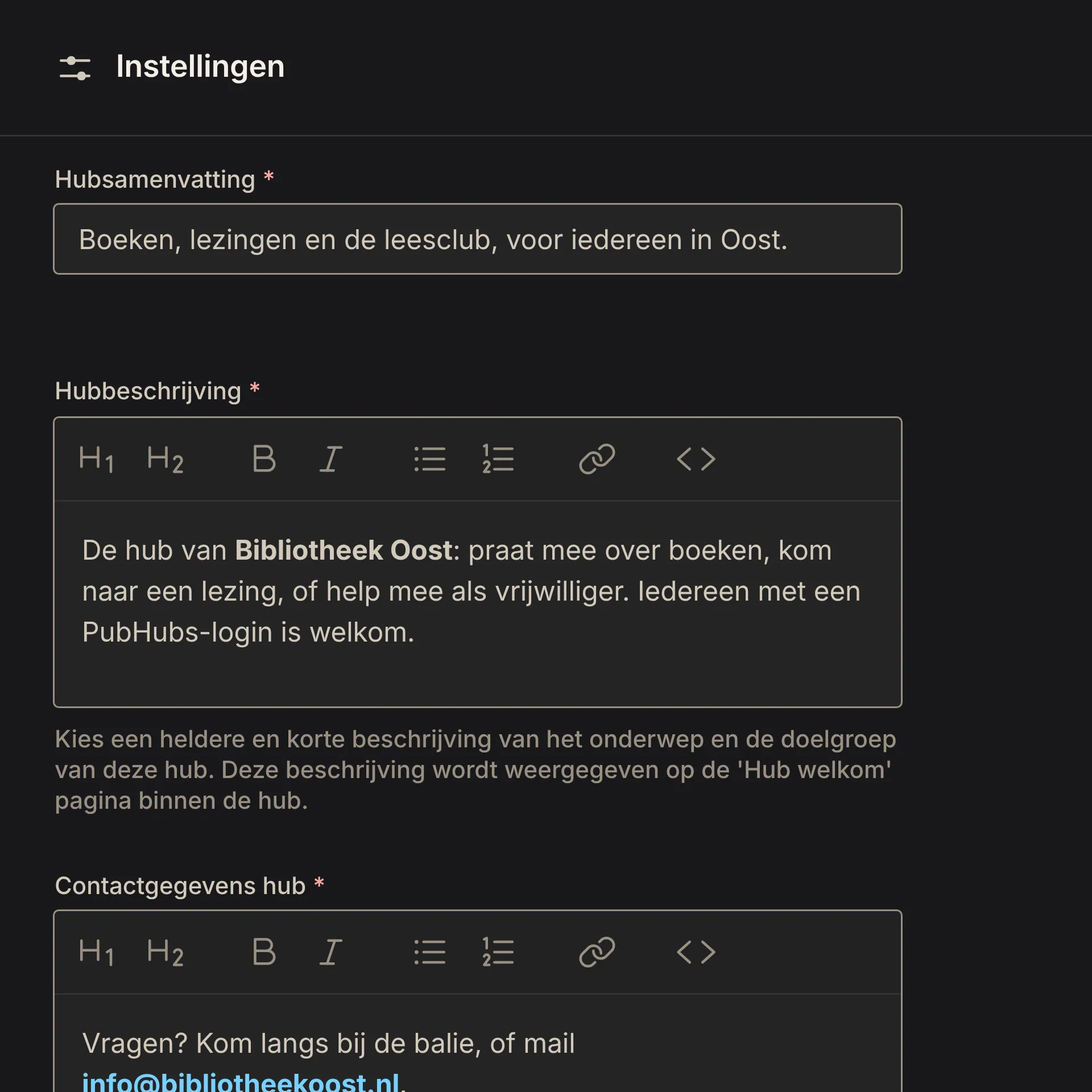
- Name, look and description: You set your hub’s name, description, icon (for light and dark mode) and banner, the way your members will see them. You write the description, house rules and contact details in Markdown.
- On Discover hubs: Write a short summary of your hub for Discover hubs, the page where people find hubs.
- House rules: Members accept your house rules when they first enter, and again when you change them.
3 more featuresShow fewer
- Contact: Your contact details are shown in the hub, and members can contact its administrators.
- Roles: Administrators run the hub, stewards look after its rooms, and experts assess messages.
- On your own servers: You can run your hub yourself on a version you choose, because every release is published as images. Running a hub on GitHub explains how.
Rooms
Rooms are open where possible and closed where necessary, and there's one for every kind of conversation.
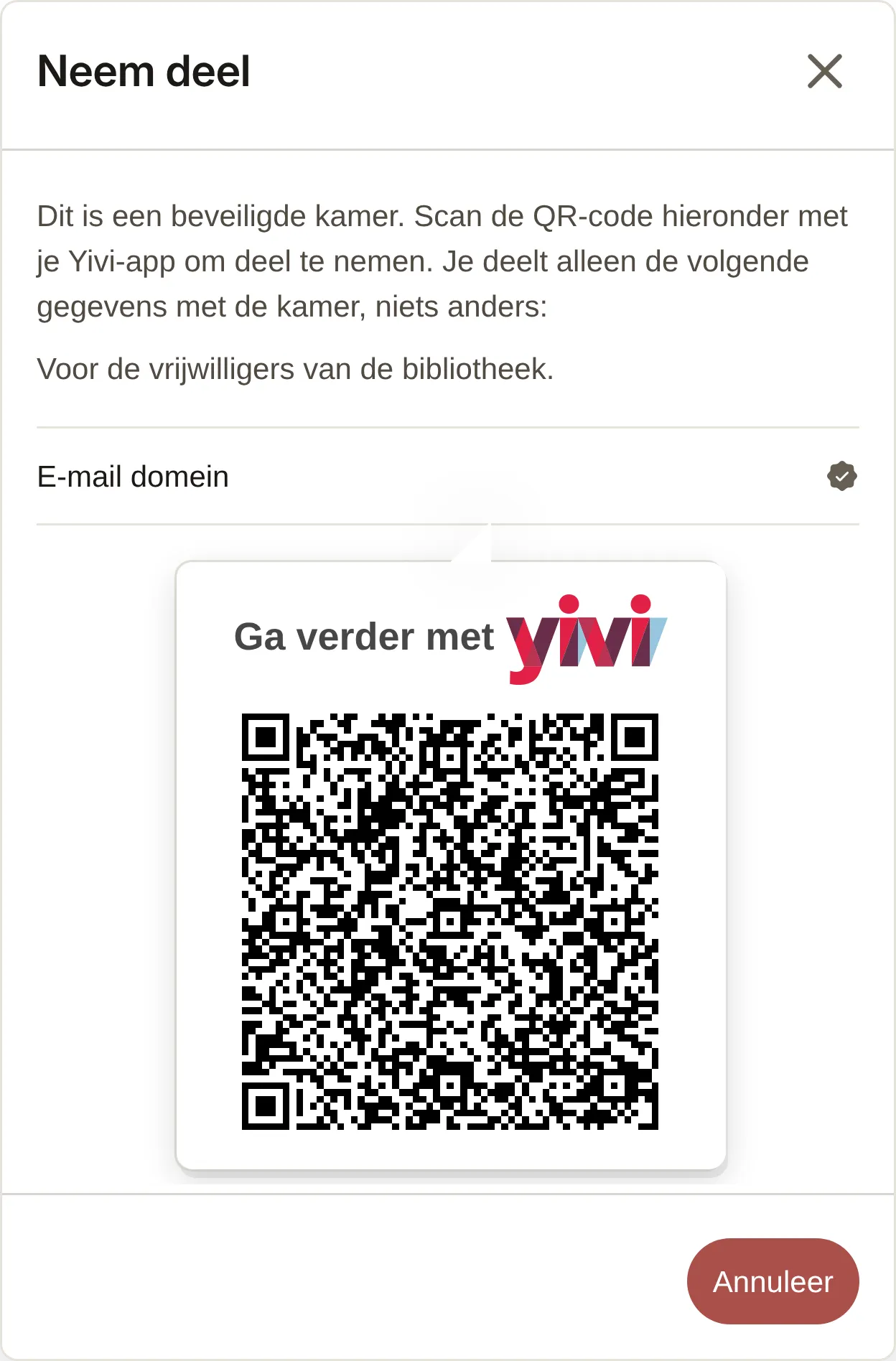
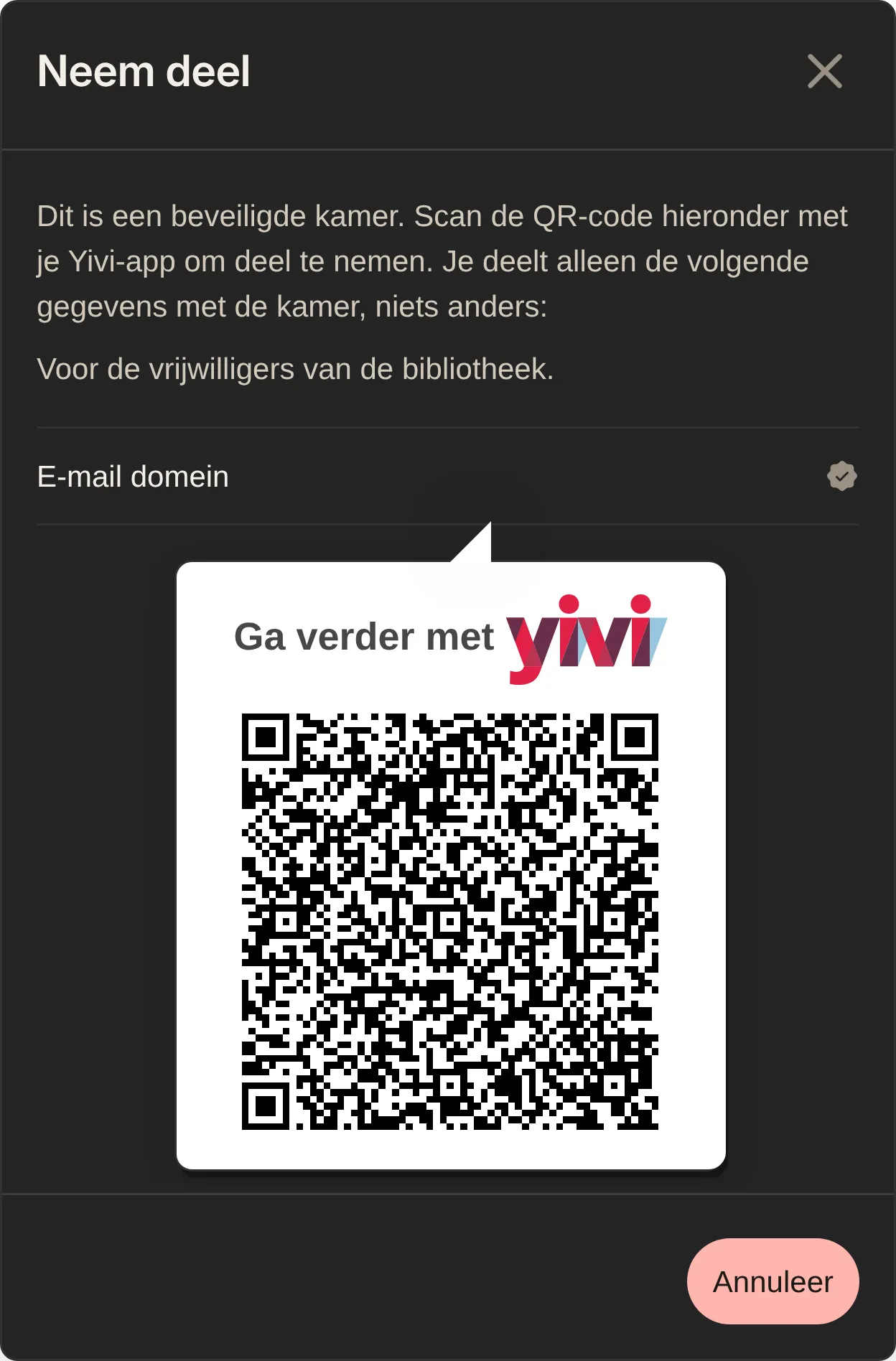
- Public rooms: Everyone with a PubHubs login can enter a public room.
- Secured rooms: You enter by showing with Yivi what the room asks for, such as your postcode, your age, or an email address that belongs to an organization or is on a list. Everyone inside knows that the others showed the same.
- Discover rooms: A list of every room in the hub shows how many members it has, when it was last active and what it asks for.
5 more featuresShow fewer
- Forum rooms: Posts have a title, and members can comment and vote on them. You can sort them by trending, newest or top.
- Groups and direct messages: Members start a group with others, or a conversation with one person.
- Library: The library keeps a room’s files in one place. Administrators, stewards and whoever uploaded a file can delete it.
- Search: Search for rooms, or for messages within a room.
- Members: See who’s in a room, and view a member’s details next to the conversation.
Conversation
Rooms are for more than chatting, with threads, polls and messages you sign with Yivi.
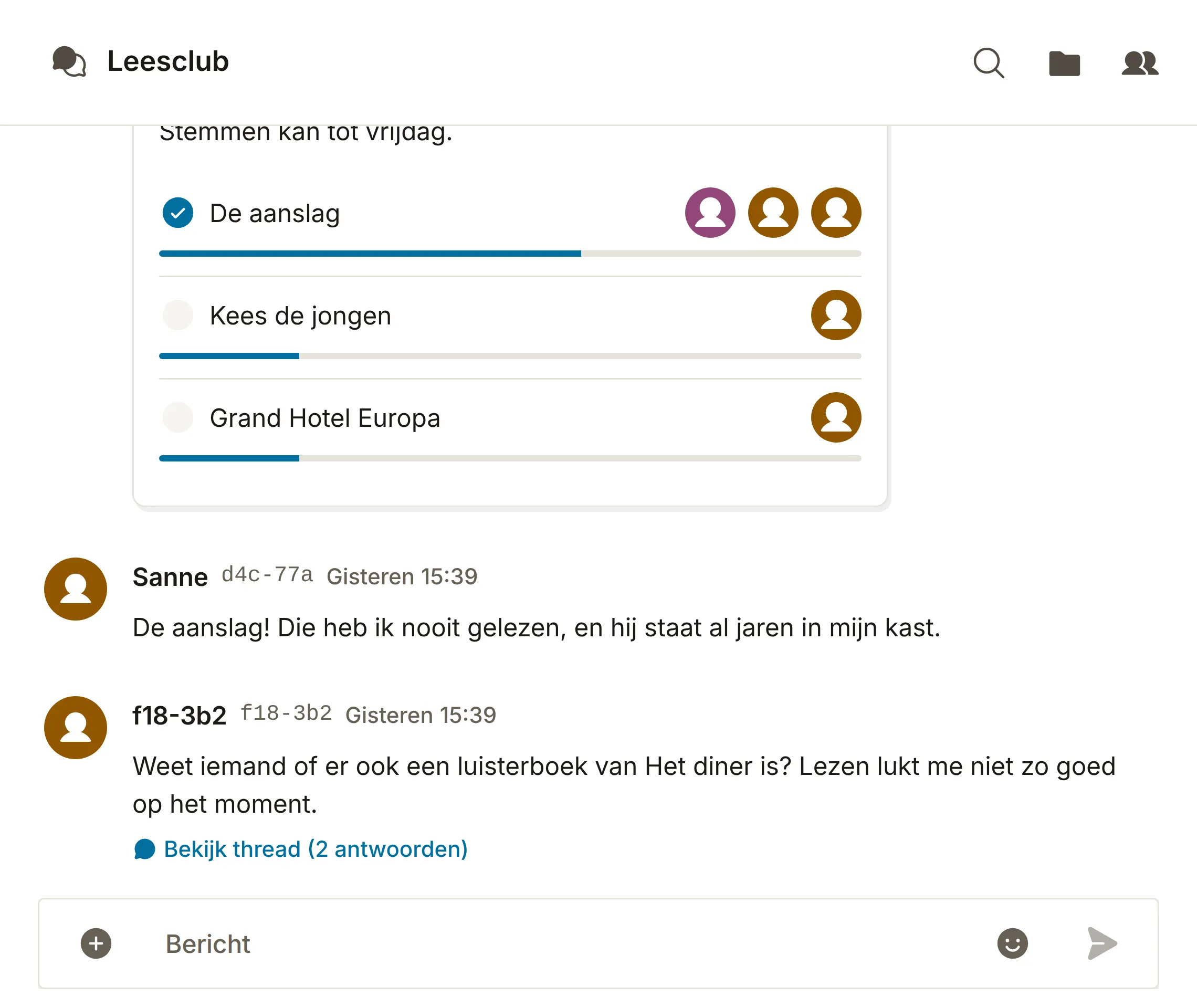
- Reactions, mentions and threads: React with an emoji, mention someone, or answer in a thread.
- Images and files: Add them to a message, and they’re kept in the room’s library.
- Editing and deleting: Members edit and delete their own messages, images and files.
6 more featuresShow fewer
- Polls and date pickers: Let members choose an option or pick a date.
- Announcements: Stewards and administrators can post an announcement that stands out in the room.
- Signed messages: Sign a message with your email address through Yivi, so others can check it came from you.
- Expert assessments: A steward can appoint an expert, who assesses a message and adds context. The assessment shows the expert’s credentials and is signed with their full name through Yivi.
- Sharing and drafts: You can share a message. And a message you haven’t sent yet is still there when you come back from another room.
- Video calls: You can make a video call in direct messages and in secured rooms.
Moderation
Your own stewards have the tools to keep a room the way your house rules say.
- Stewards: Your own people look after the rooms, with the tools below.
- Reports: Members report a message to the room’s stewards, who see all reports in one place.
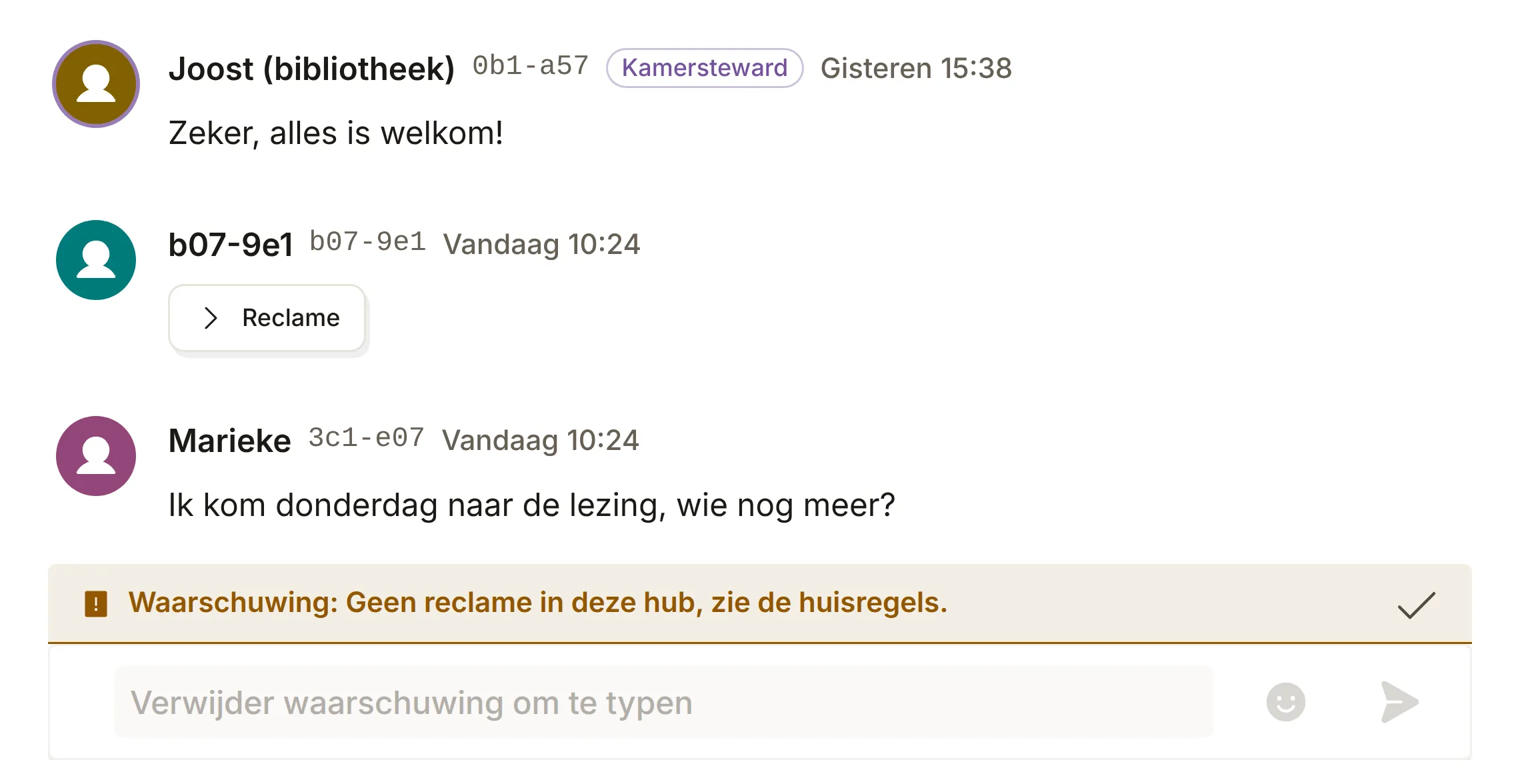
- Hiding messages: Stewards can hide a message and give their reason as a warning. Members can also hide their own messages.
4 more featuresShow fewer
- Yellow card: The member sees a warning with its reason above their message bar.
- Timeout: A member can’t send messages for a number of hours or minutes.
- Red card: The member can no longer enter the room.
- Bans: When PubHubs bans an account, its phone number can’t be used for a new one.
Login and privacy
You log in once for every hub, and each hub knows you by a different name without ever seeing your email address or phone number.
- One login for every hub: Register once with your email address and phone number in Yivi, and log in from then on with your PubHubs card.
- Details that stay central: Your email address and phone number are used only for the login, and they’re never shared with hubs or other members.
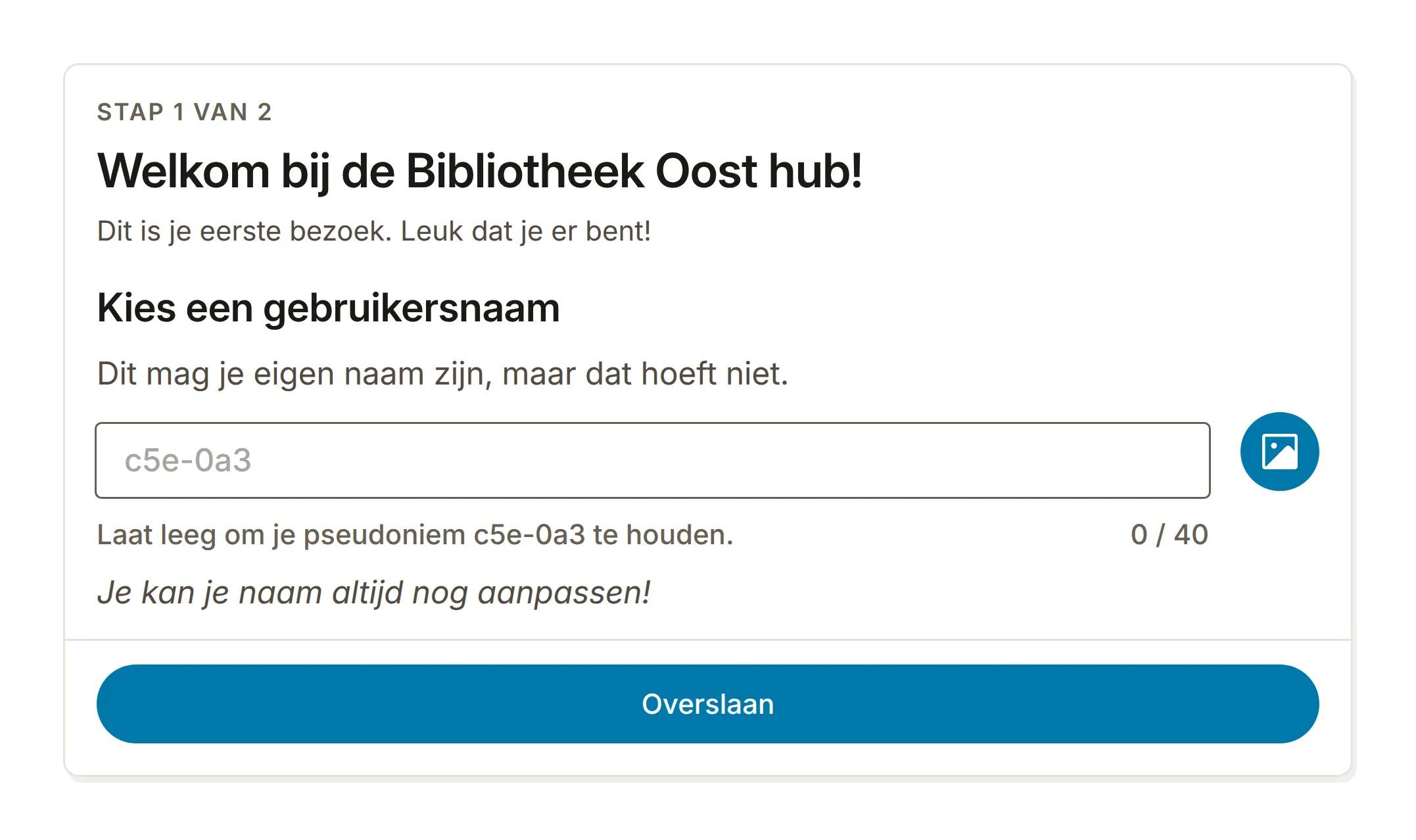
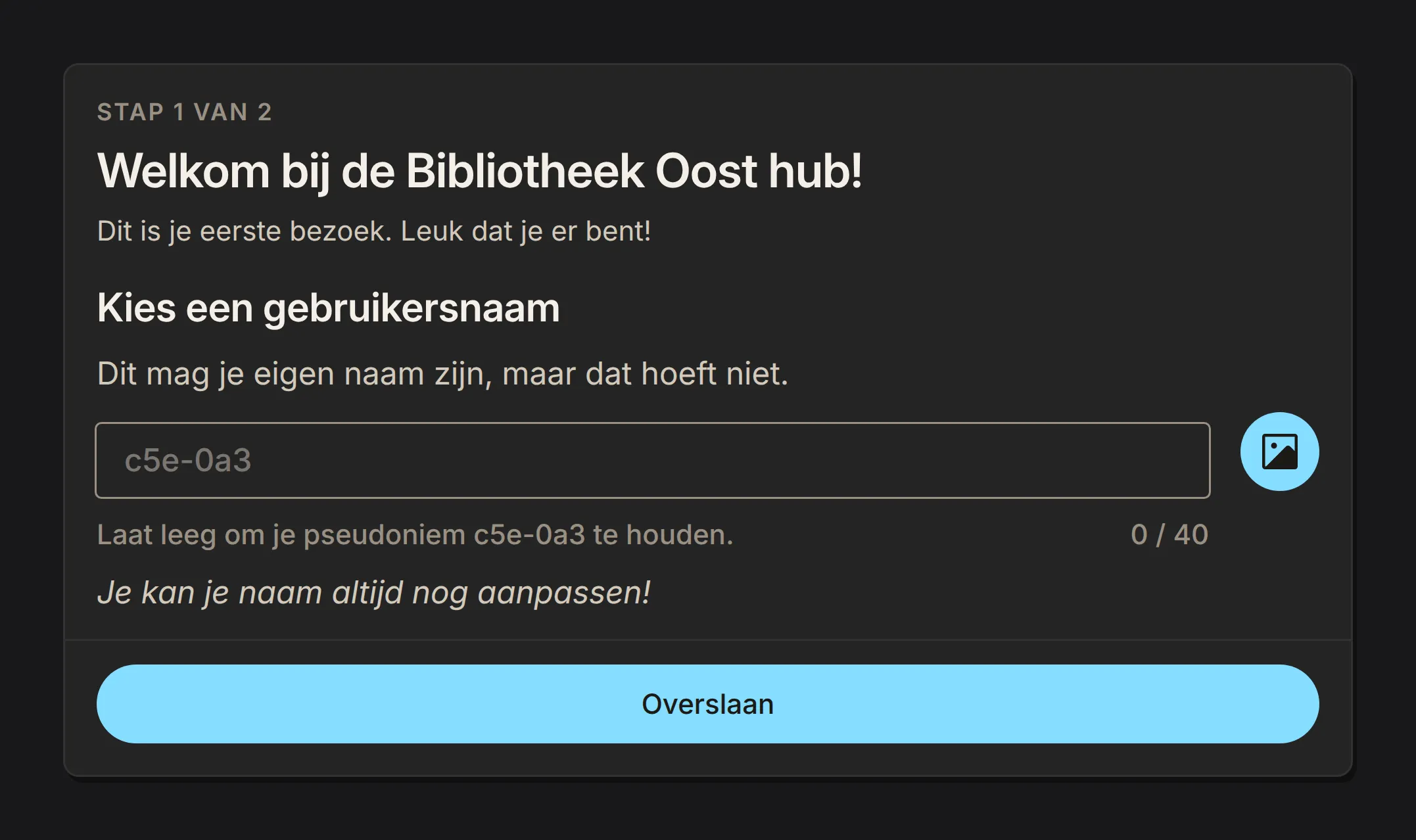
- A different name in every hub: Each hub gives you a different random name. You can choose your own name instead, and add a picture if you like, separately in each hub. What you say in one hub can’t be linked to you in another.
3 more featuresShow fewer
- No ads, no profiling: PubHubs shows no ads and makes no profiles of members. There’s no central timeline either, and no algorithm decides what you see.
- Post-quantum cryptography: The servers behind the PubHubs login use post-quantum cryptography alongside the usual kind. With it they protect the secrets they share and what they sign for hubs, so that what is recorded today can’t be decrypted later by a quantum computer.
- Not end-to-end encrypted: Messages and files in a hub are not end-to-end encrypted, so they can be read by the hub’s administrators.
Everywhere
Use PubHubs in the browser or from your phone's home screen, with your hubs at hand.
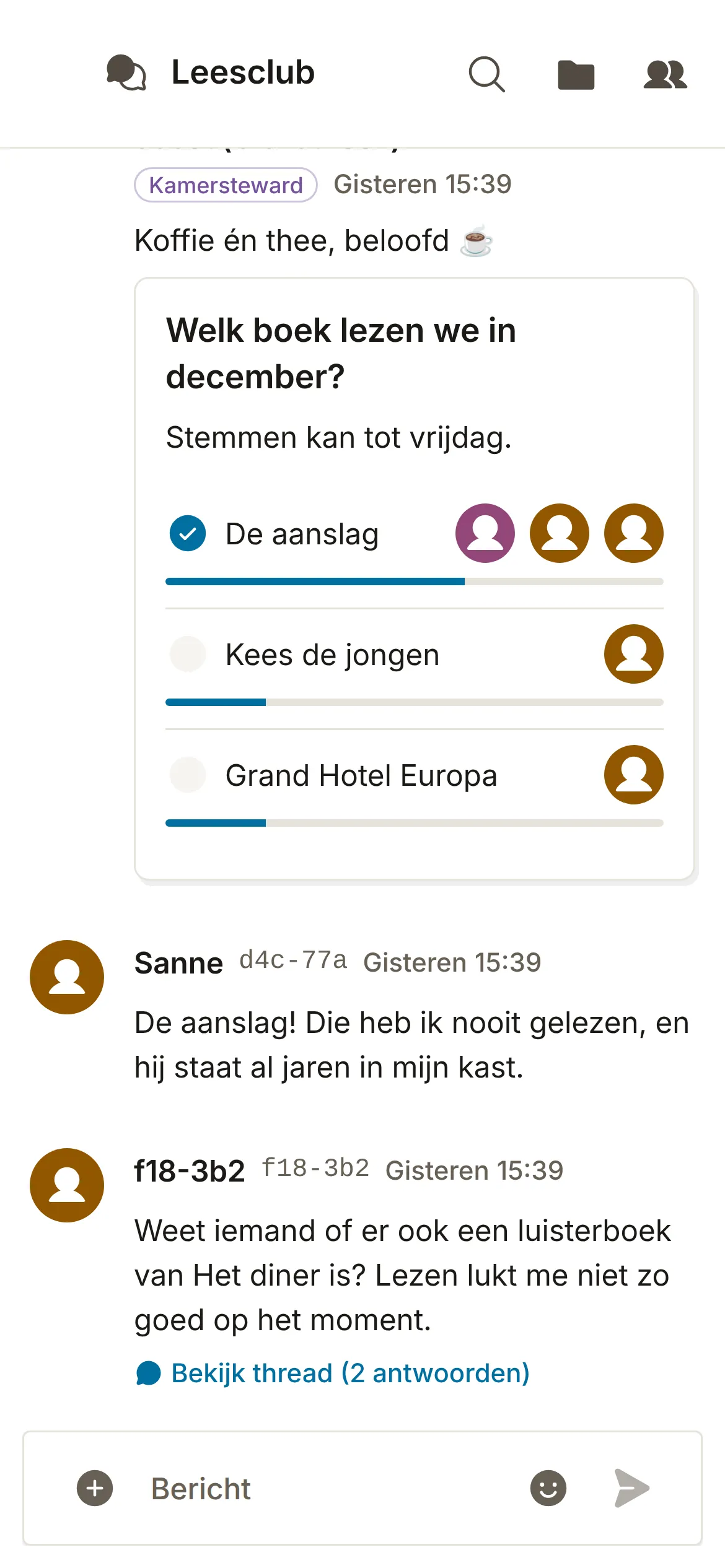
- In the browser: Open app.pubhubs.net on a computer, tablet or phone. There’s nothing to install.
- On the home screen: Add PubHubs to your phone’s home screen as an app. PubHubs itself explains how.
- Android app in development: The app is coming to the Play Store and F-Droid.
3 more featuresShow fewer
- Notifications: You get a notification for new messages, even from pinned hubs you don’t have open.
- Your hubs at hand: Your pinned hubs show their unread messages, and PubHubs opens on the hub you last visited.
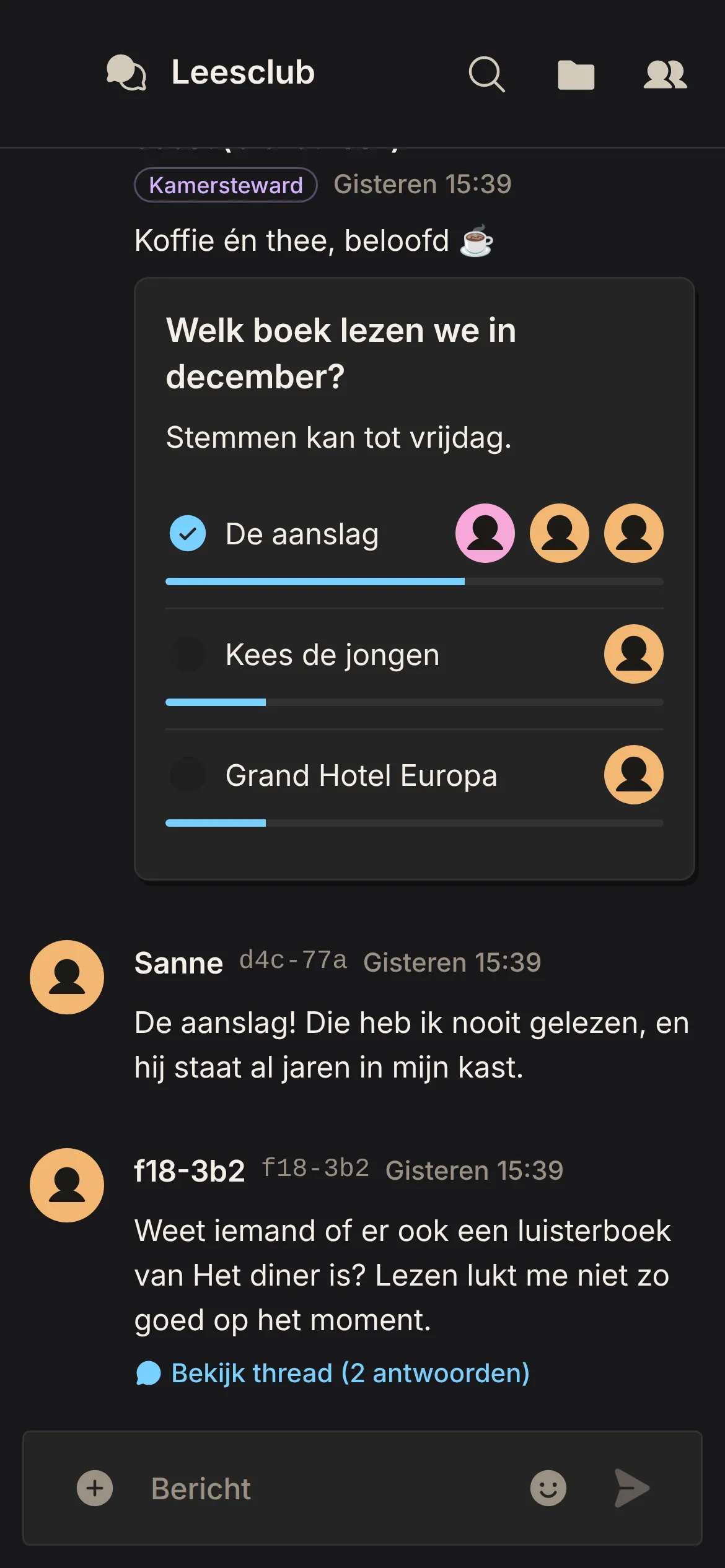
- Light and dark, Dutch and English: Choose light or dark, or let PubHubs follow your device’s setting. You can use PubHubs in Dutch or English.
Want this for your organization?
Start a hub of your own, or read first how PubHubs handles security and privacy.